
Watch CanajoyTv In Your Web Browser
Nothing to install: watch in Chrome, Edge, Safari or Firefox on a computer, phone or tablet.
Before You Start
- Your CanajoyTv Unique ID (the CanajoyTv Team sends it when you subscribe)
- An internet connection
The web player works straight away in your browser. Some channels play only in the CanajoyTv apps.
-
1
Open The Web Player
Go to canajoytv.stream and select Watch Live.

-
2
Sign In
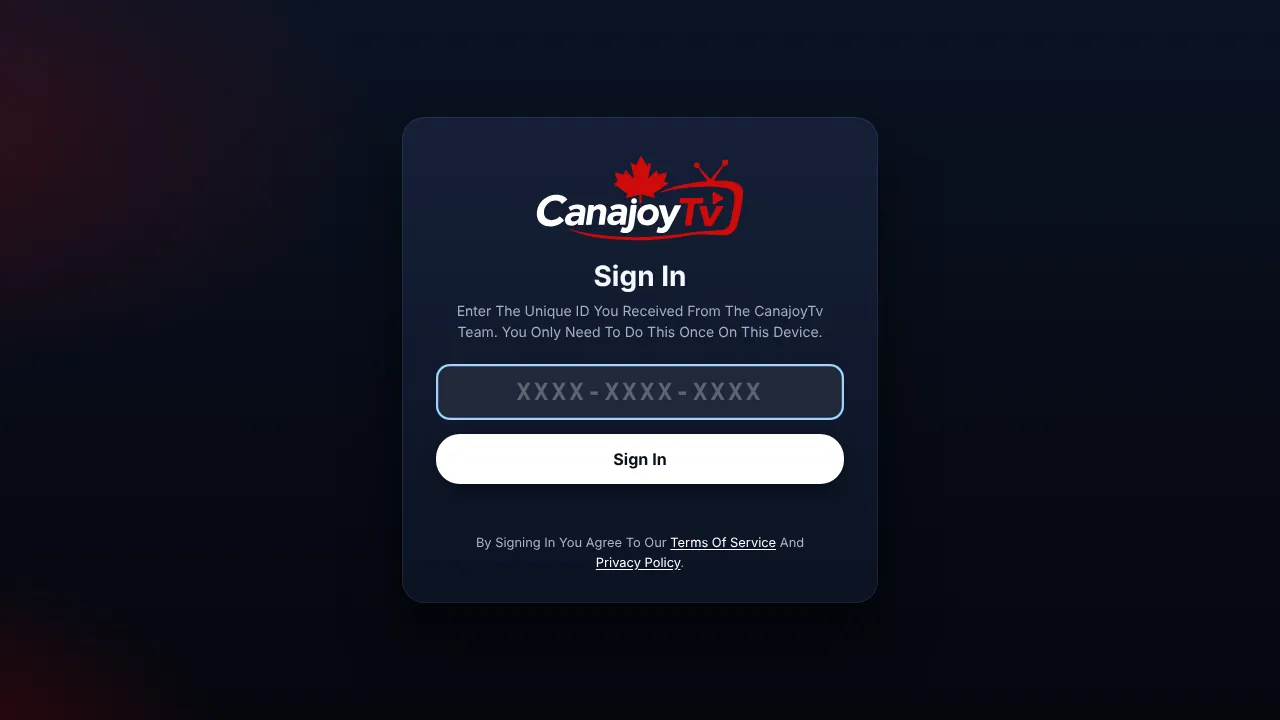
Enter the Unique ID you received from the CanajoyTv Team and select Sign In. This browser stays signed in.
-
3
Optional: Add It To Your Home Screen
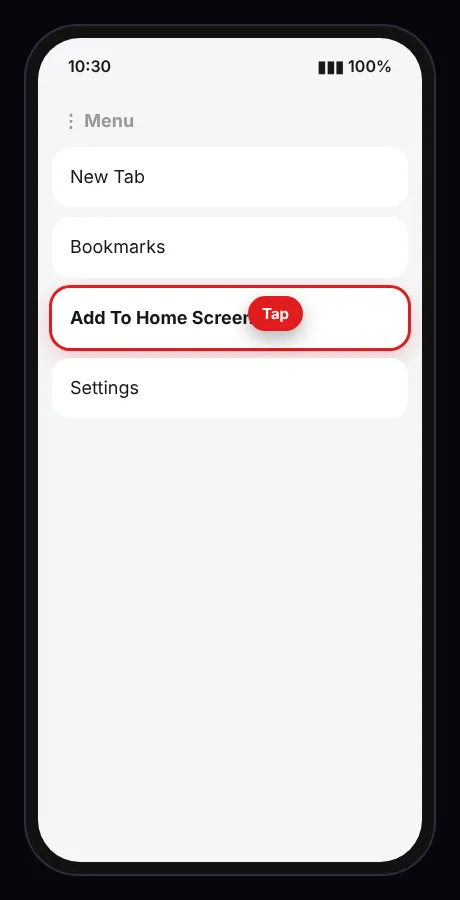
On a phone or tablet, open your browser's menu (⋮ or Share) and choose Add To Home Screen. CanajoyTv then opens like an app.
Need A Hand?
Email canajoytv@gmail.com or message us on Instagram @canajoytv and we'll help you set up.
The pictures show each step. Menus can look a little different on your device.
Other devices: Fire TV · Android TV · Google TV · Android Phone · Windows