
Install CanajoyTv On Fire TV
For Fire TV Stick, Fire TV Cube and Fire TV smart TVs. It takes about 5 minutes.
Before You Start
- Your CanajoyTv Unique ID (the CanajoyTv Team sends it when you subscribe)
- Your Fire TV connected to the internet
- If you installed CanajoyTv on this device before 18 November 2026, uninstall that old version first (one time only). Go to Settings › Applications › Manage Installed Applications › CanajoyTv › Uninstall.
CanajoyTv isn't in the Amazon Appstore, so your Fire TV asks for your permission before installing it. These steps give that permission to the free Downloader app, which then installs CanajoyTv for you.
-
1
Install The Downloader App
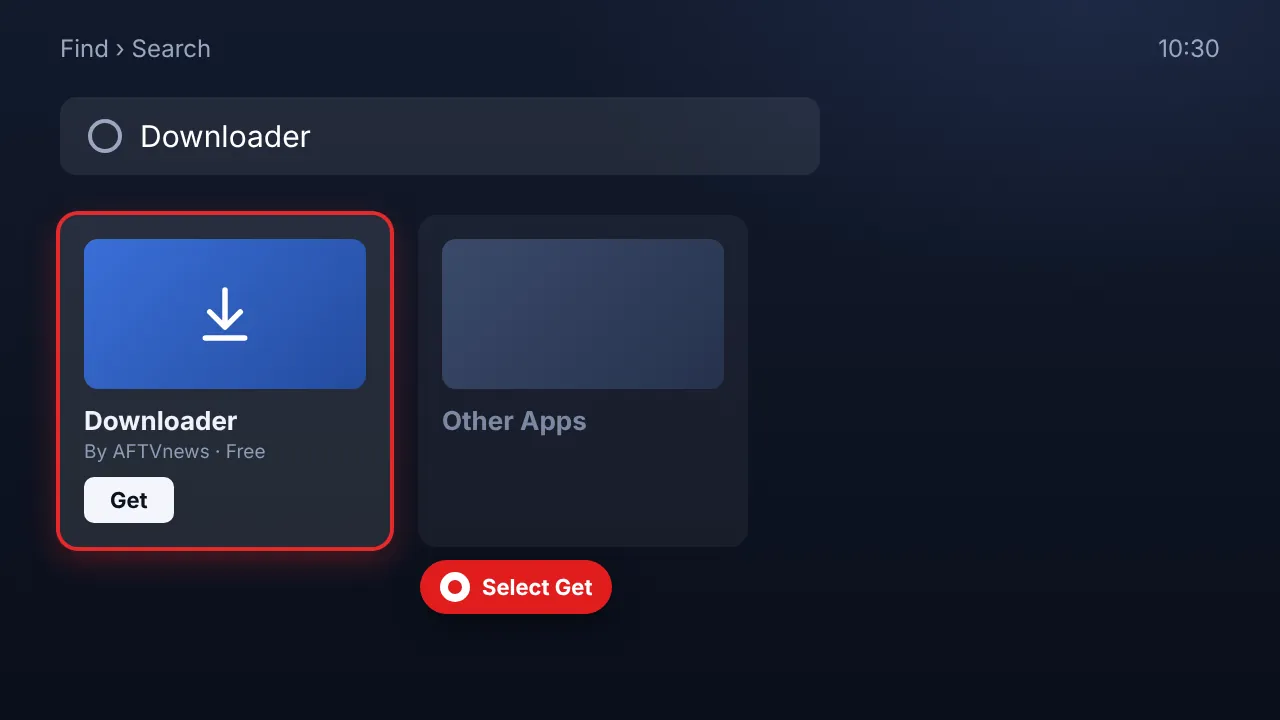
On the home screen, go to Find › Search and type Downloader. Choose Downloader by AFTVnews and select Get (or Download). It's free.
-
2
Turn On Developer Options
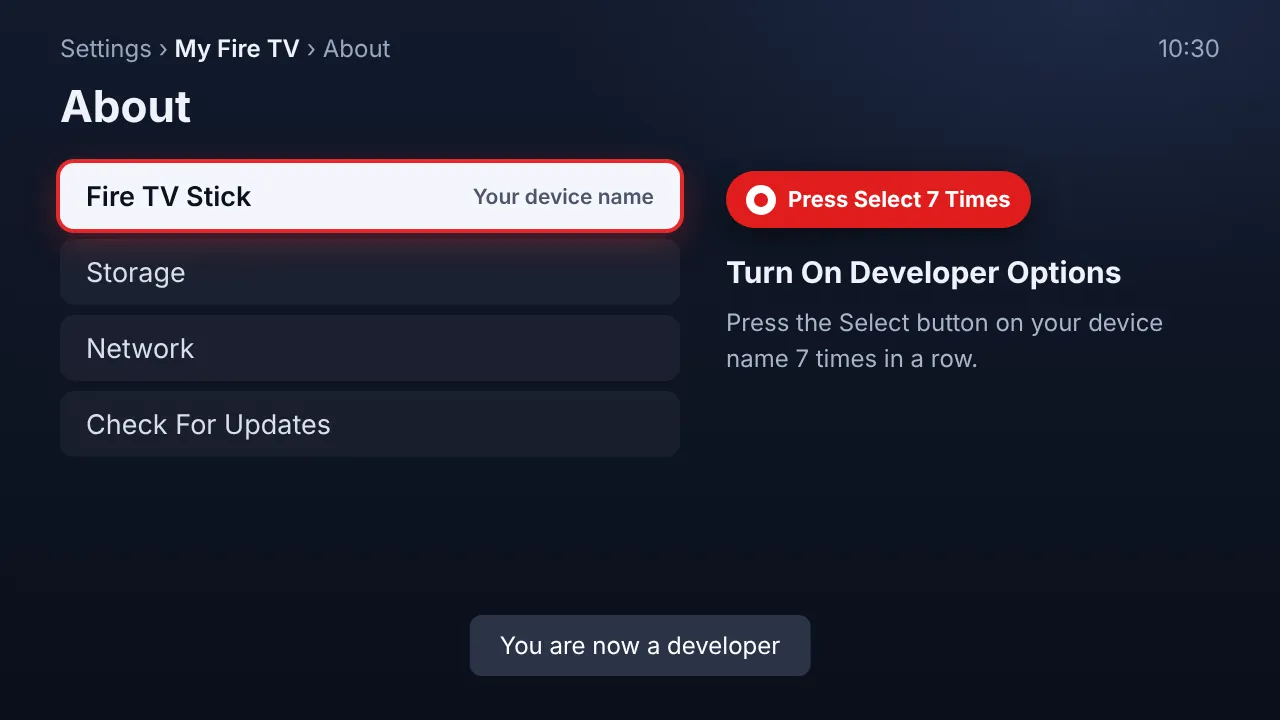
Go to Settings › My Fire TV › About. Highlight your device name (for example Fire TV Stick) and press Select on your remote 7 times, until you see You are now a developer. If Developer Options is already in My Fire TV, skip this step.
-
3
Open Install Unknown Apps
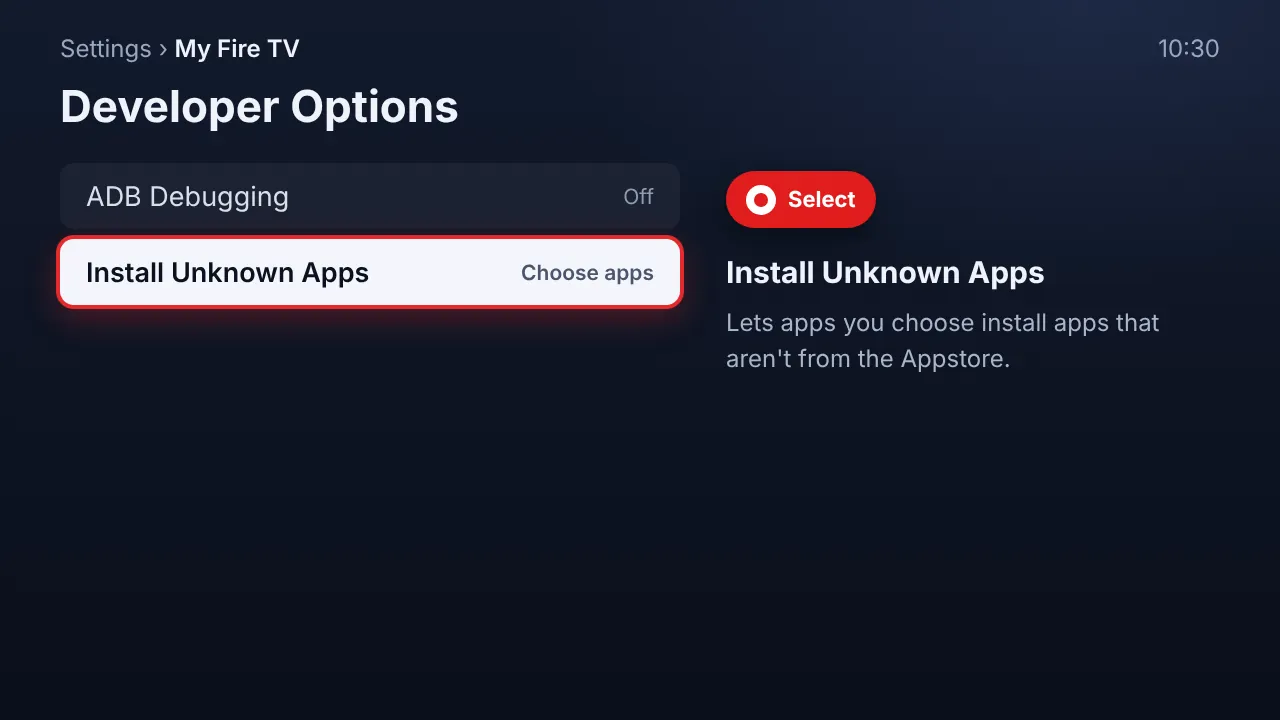
Press Back, then open Developer Options › Install Unknown Apps. On older Fire TVs this is called Apps From Unknown Sources: turn it On and go to step 5.
-
4
Allow Downloader
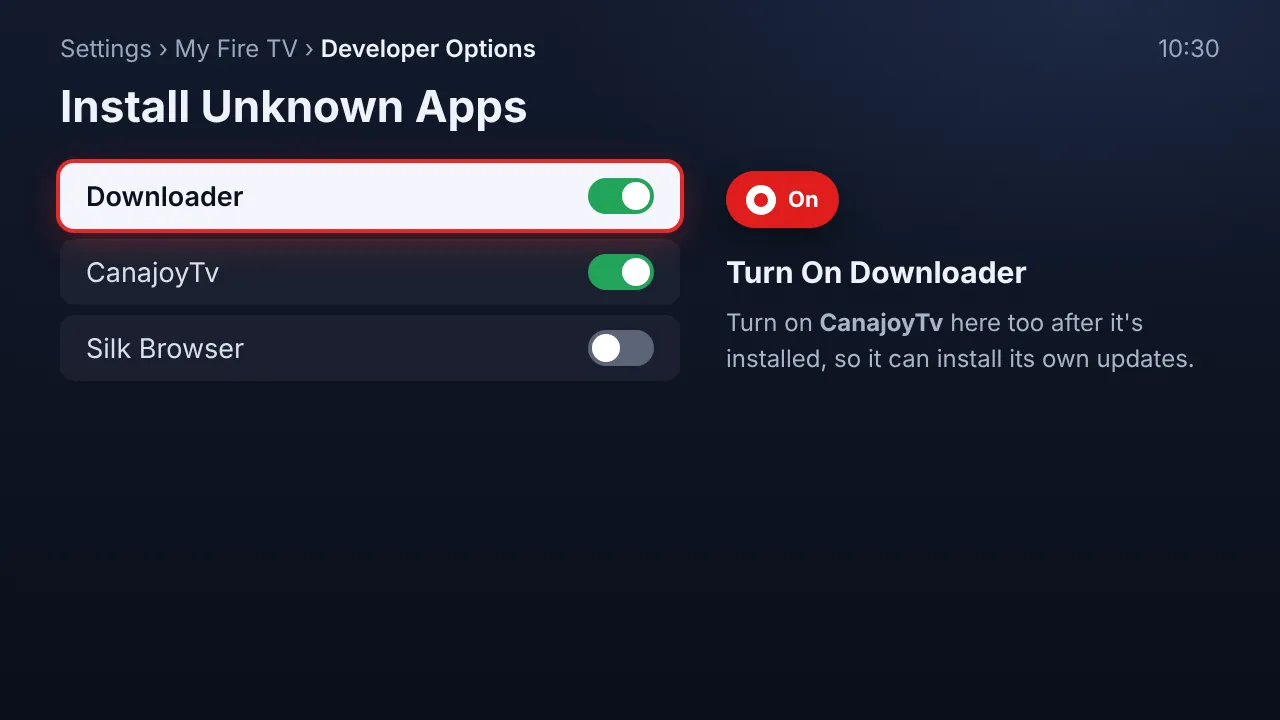
Turn Downloader on. This lets Downloader install CanajoyTv.
-
5
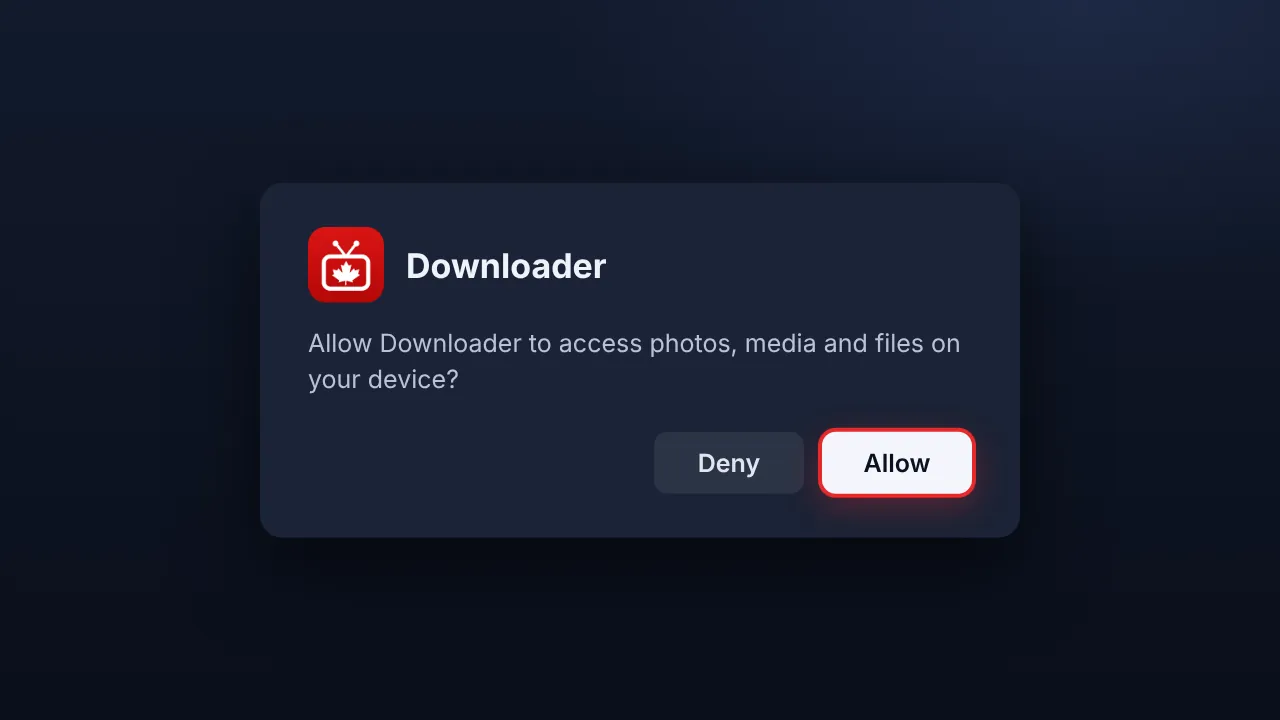
Open Downloader
Open Downloader from Your Apps & Channels. When it asks to use your files, select Allow. Close the welcome message if one appears.
-
6
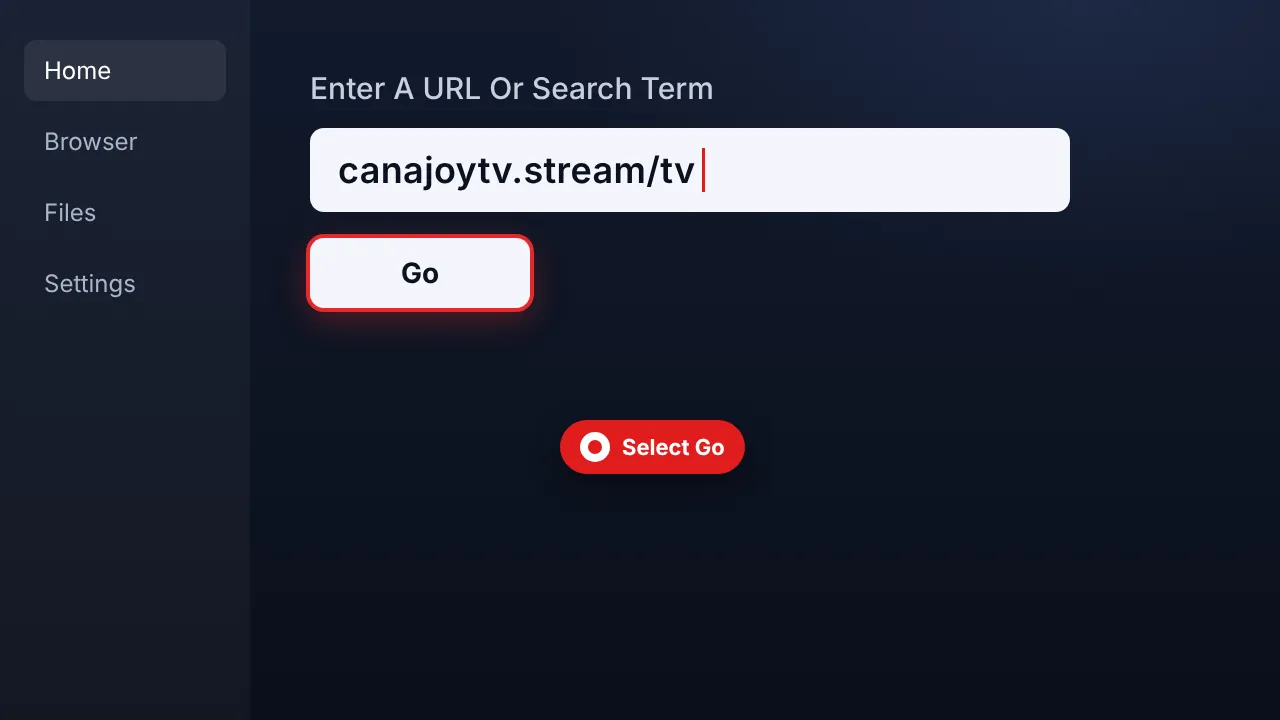
Enter The CanajoyTv Address
Select the address box, type canajoytv.stream/tv and select Go. CanajoyTv downloads in a few seconds.
-
7
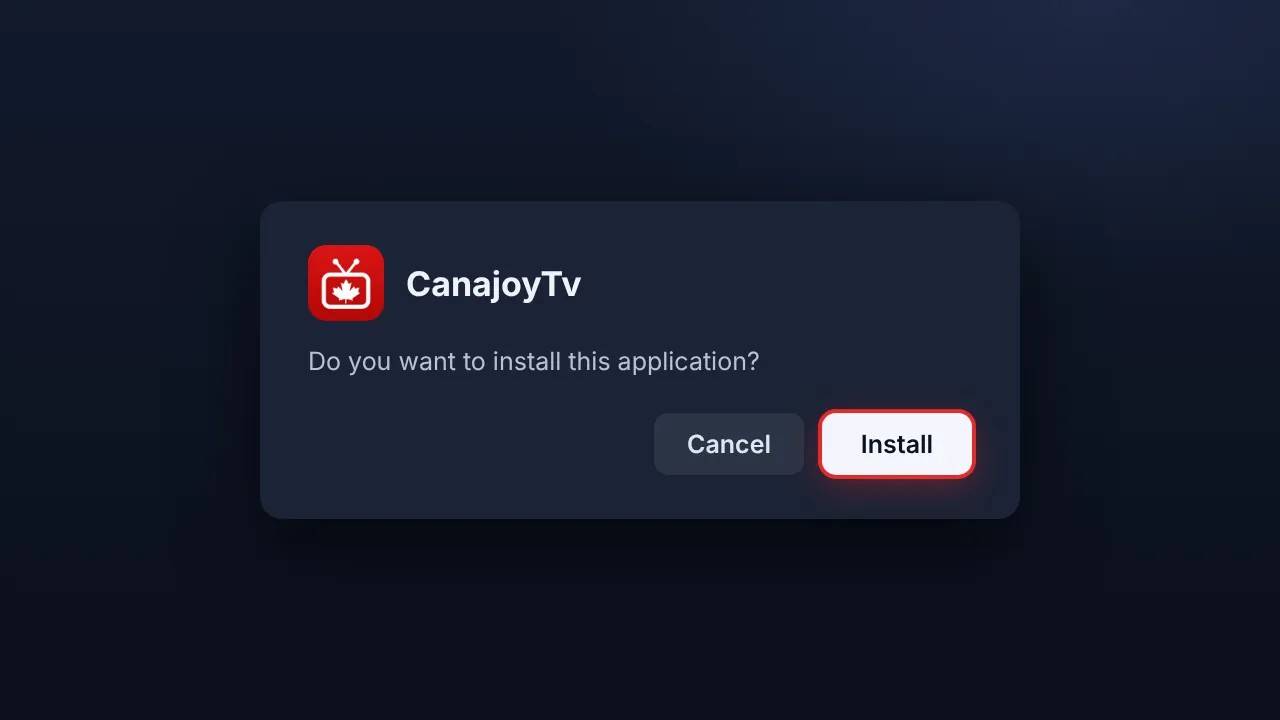
Install CanajoyTv
Select Install.
-
8
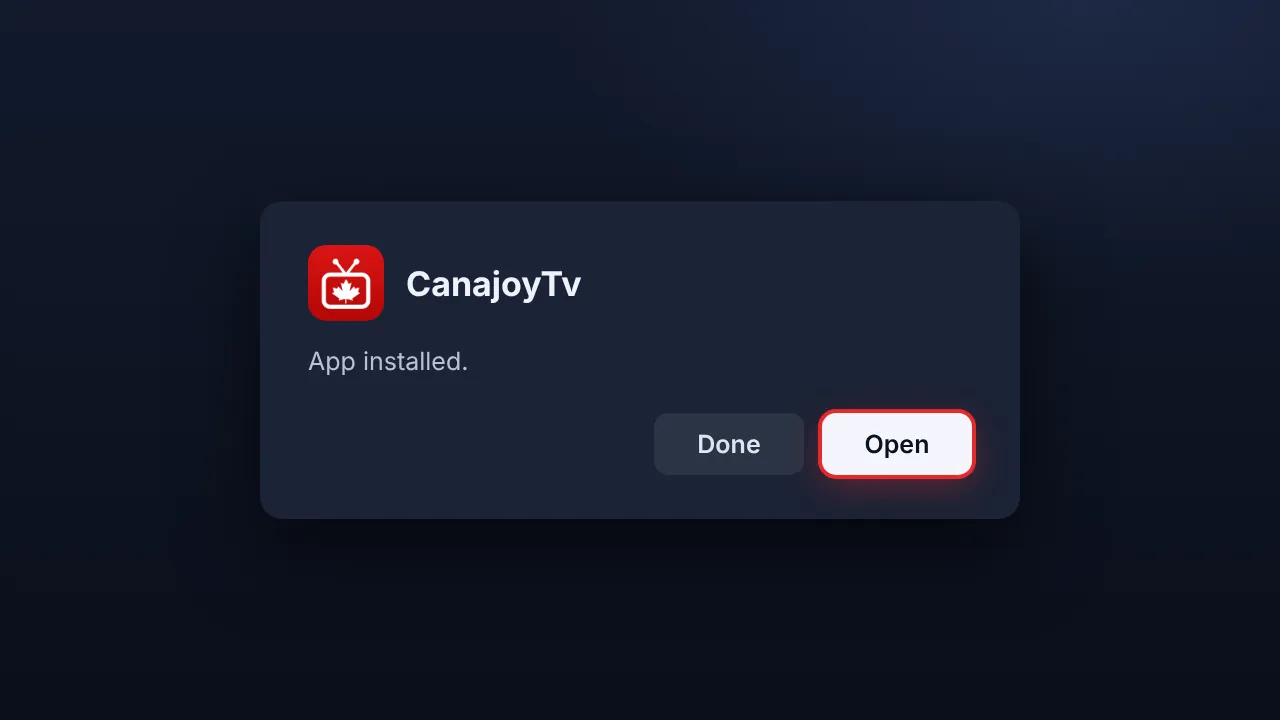
Open CanajoyTv
Select Open. If Downloader then offers to delete the downloaded file, select Delete to free up space: CanajoyTv stays installed.
-
9
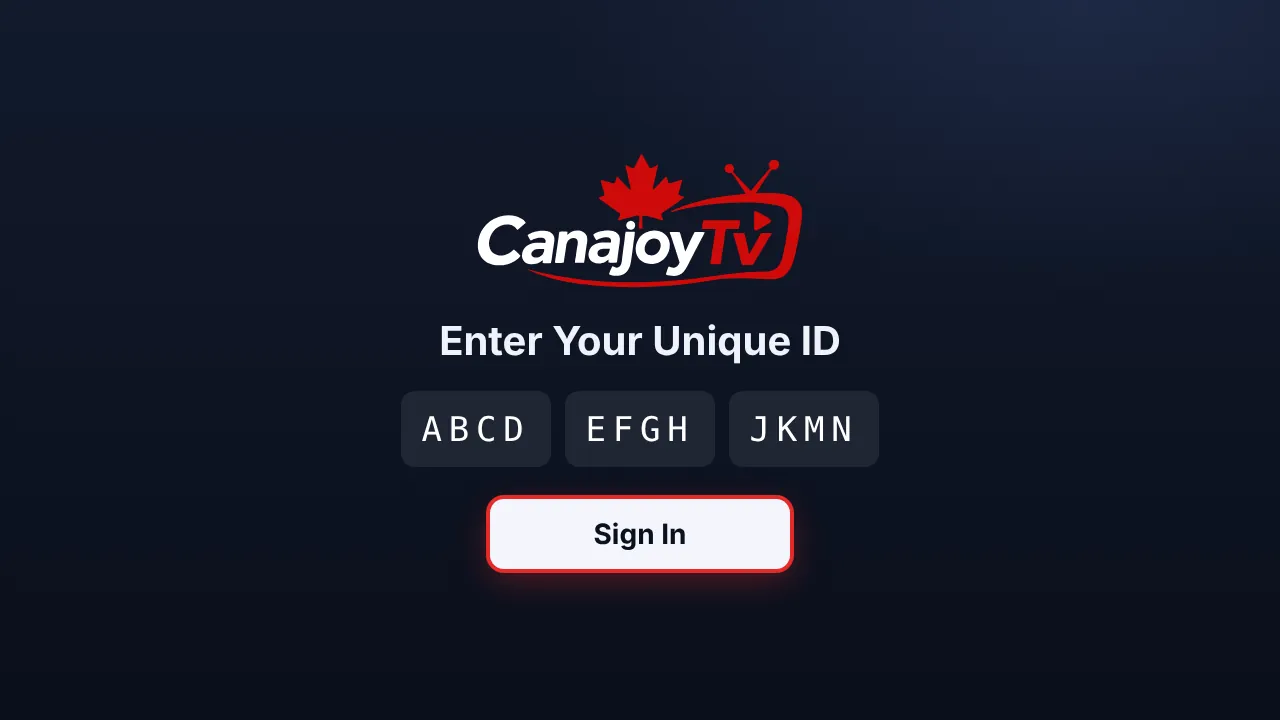
Sign In
Enter the Unique ID you received from the CanajoyTv Team and select Sign In. That's it: enjoy watching!
Good To Know
- Let CanajoyTv update itself: go to Settings › My Fire TV › Developer Options › Install Unknown Apps and turn on CanajoyTv too. New versions are then offered in the app.
- Put CanajoyTv on your home screen: open Your Apps & Channels, highlight CanajoyTv, press the Menu (☰) button and choose Move To Front.
Need A Hand?
Email canajoytv@gmail.com or message us on Instagram @canajoytv and we'll help you set up.
The pictures show each step. Menus can look a little different on your device.
Other devices: Android TV · Google TV · Android Phone · Windows · Web